 SCENE CONCEPT
A change in the light
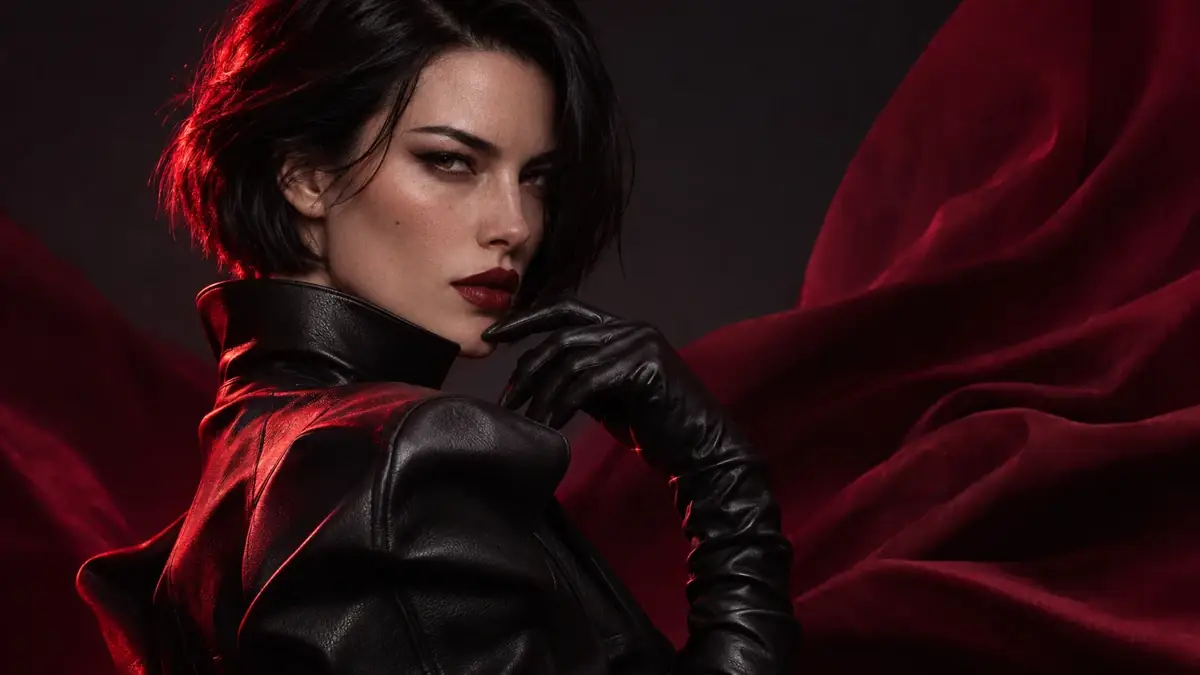
A person in a black jacket turns toward the camera while a red fabric backdrop ripples. A narrow beam of light crosses the face.
Write a scene, or animate a photo or artwork. This AI Video Generator follows your direction for movement and camera.
Video generation uses credits.
Pick a scene, copy its prompt, and change anything you like.
SCENE CONCEPTA person in a black jacket turns toward the camera while a red fabric backdrop ripples. A narrow beam of light crosses the face.
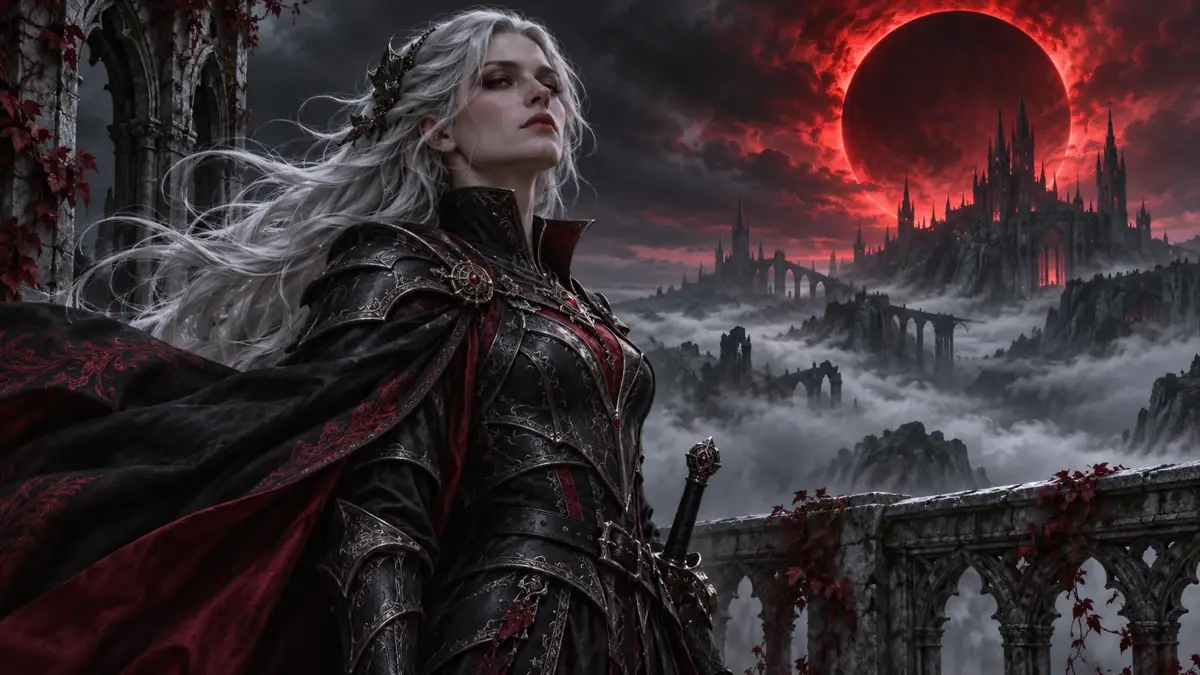 SCENE CONCEPT
A silver-haired armored character stands above a gothic city beneath a red eclipse. Wind lifts the cloak; the camera moves slowly past their shoulder.
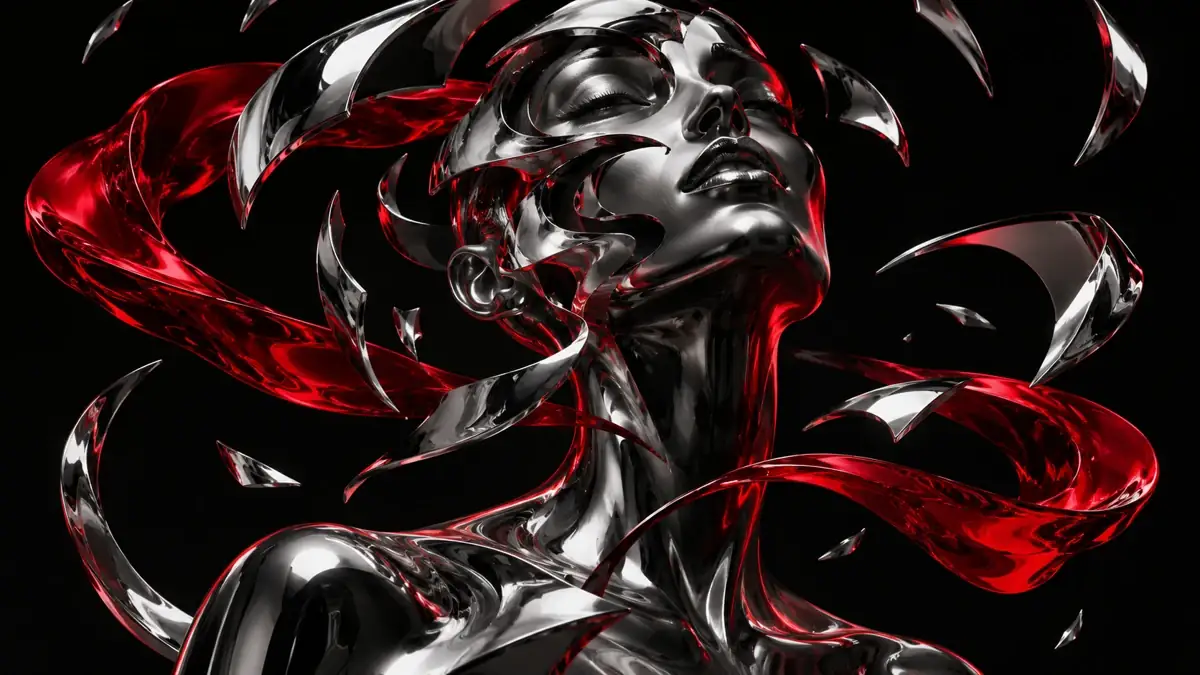 SCENE CONCEPT
Chrome fragments orbit a black sculpture while a red ribbon threads between them. The camera circles slowly as reflections shift.
Visual concepts for inspiration. Actual video results depend on your input and the selected model.
Describe the subject and one action. Add camera movement only if you have a look in mind.
Best when: you don't have a starting image, or you want to see where a plain description lands.
Start with a prompt →Upload a JPG, PNG or WebP, then write a line describing what should move.
Best when: the look is already right and you only need it to move.
Explore image to video →Need a starting image? Create one with HackAIGC's image generator →
AI Video Generator No Restrictions means you pick the subject, the style, and what goes in the frame.
Describe the scene you want, from an ordinary afternoon to a world that only exists in your head.
Go dark, surreal, or editorial. Describe the look you want instead of working around a preset.
Put a real photo in an imagined setting, or build something that couldn’t exist. If you can describe it, you can try it.
Choose a starting point, describe the movement, then review your clip.
Type a scene, or add your starting image in the video tool.
Say what moves and whether the camera follows it.
Generate the clip, watch it through, and adjust one detail if needed.
“Cinematic” describes a look. A car turning, fabric falling, or a camera moving closer gives the video something to do.
Name who or what is in frame, say what happens once, then add how the camera moves and what the light is doing. Start simple, and add detail once you see the first result.
“Make a cinematic car video.”
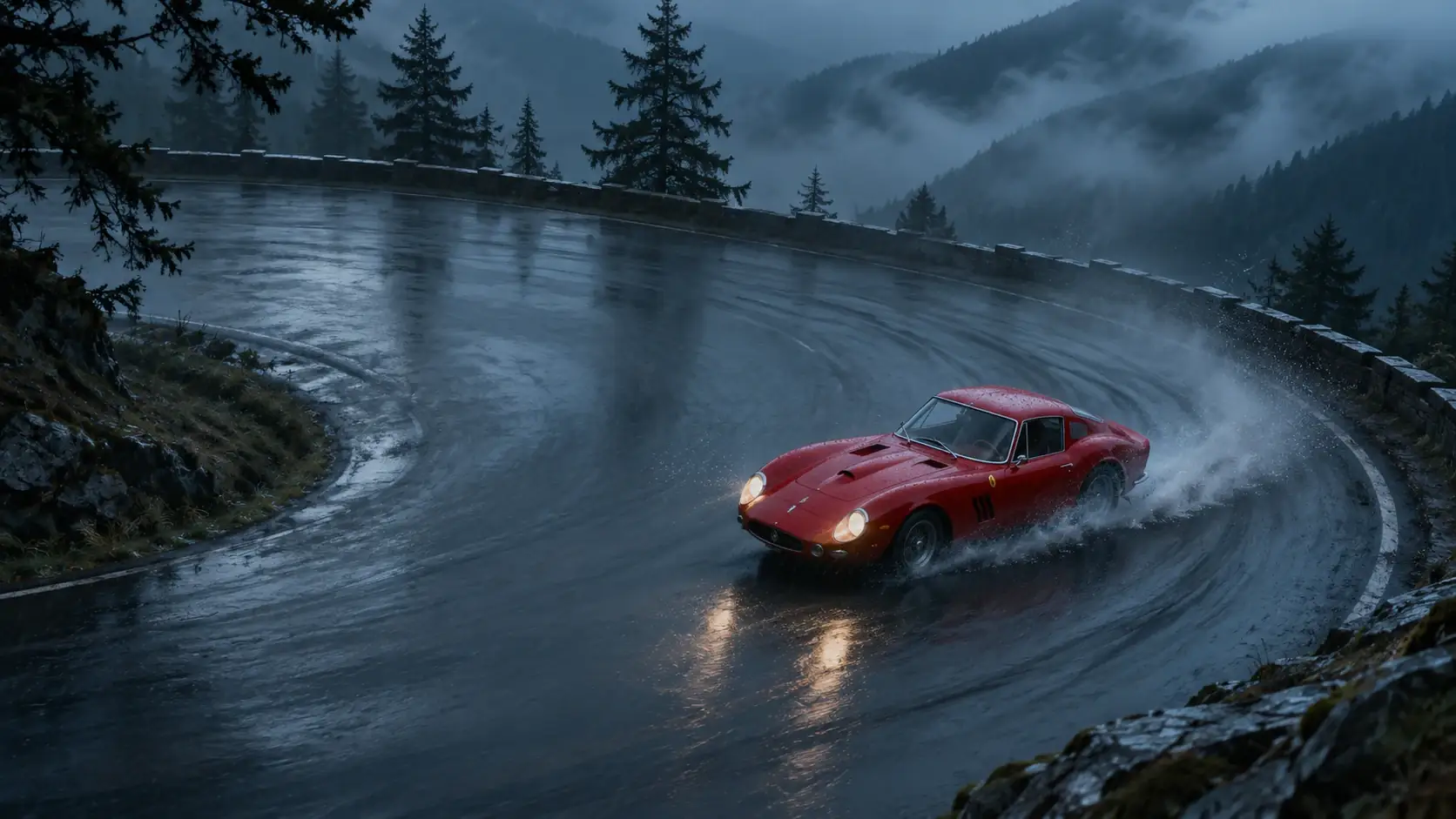
The subject is there, but the action and camera position are missing.A red sports car rounds a wet mountain bend. The camera tracks it from above as water sprays behind the tires. Blue-hour light and mist in the trees.
Name the subject and location first. Then describe the action. A few concrete details are easier to work with than a long list of styles.
With an image, the look is already there. Your prompt only needs to describe what changes, so skip anything that is already in the picture.
Remove a competing action or try a fixed camera. Compare the next clip with the first before changing anything else.
At HackAIGC, no restrictions means you choose what appears: original characters, surreal settings, or a cinematic scene, from text or an image. Video generation uses credits, and you should only animate people whose photos you have permission to use.
Yes. You can begin with a written scene description or use an image as your starting point. Choose the appropriate mode in this AI video generator with no restrictions.
No. Video generation requires credits. But HackAIGC offers 6 free requests per day for image generation and chat. Check the pricing page for current video access and credit allowances. View pricing →
Yes, provided you have permission to use the photo and the person’s consent for the intended animation. Use only images you have the right to upload.
Describe the subject, one main action, and the camera movement. For example: “A person turns toward the camera and smiles. The camera stays still.” Add details gradually as you review the results.
No. You need to sign in to a HackAIGC account and have access to video generation. Check the pricing page for current plans and credit allowances.
Yes. HackAIGC offers a Video Extension mode. Add your clip and describe what should happen next, then check the available settings and credit cost.
Yes. HackAIGC’s video guide lists a 9:16 option for vertical clips and 16:9 for widescreen. Choose the format that fits your source material and intended platform.
No. HackAIGC’s video creation guide states that exported videos are not watermarked. Preview the downloaded file before sharing it.
Stay updated with the latest news and insights about NSFW AI
Try this AI video generator with no restrictions. Edit the details, then start generating.
Generate a video