Make a portrait move
Turn a still portrait into a short video. Try a simple prompt like “Smile and look toward the camera” or “Turn your head slightly.”
Create videos from photos and AI artwork with HackAIGC’s uncensored image-to-video AI. Use text prompts to guide subject movement and camera motion.
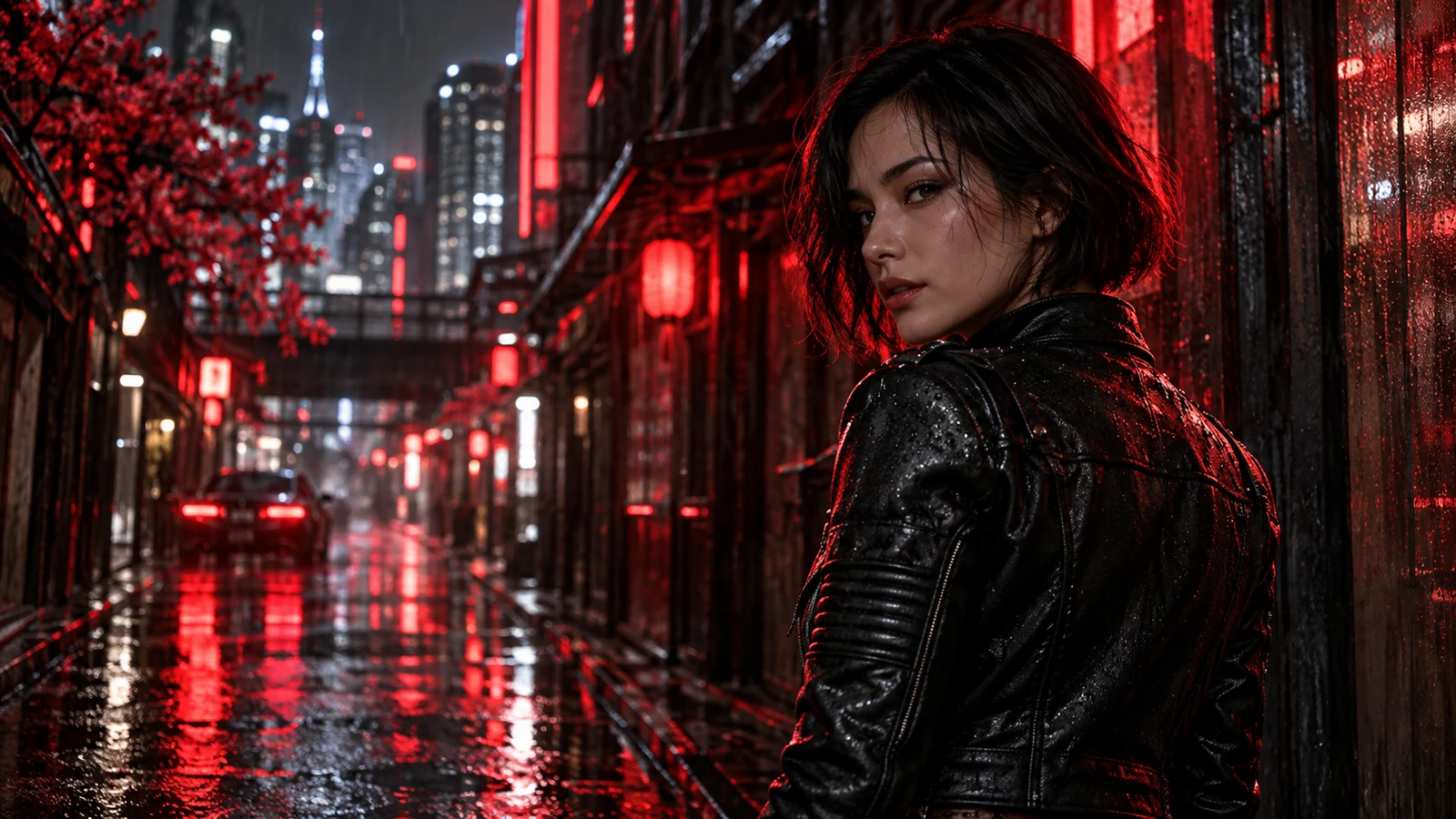
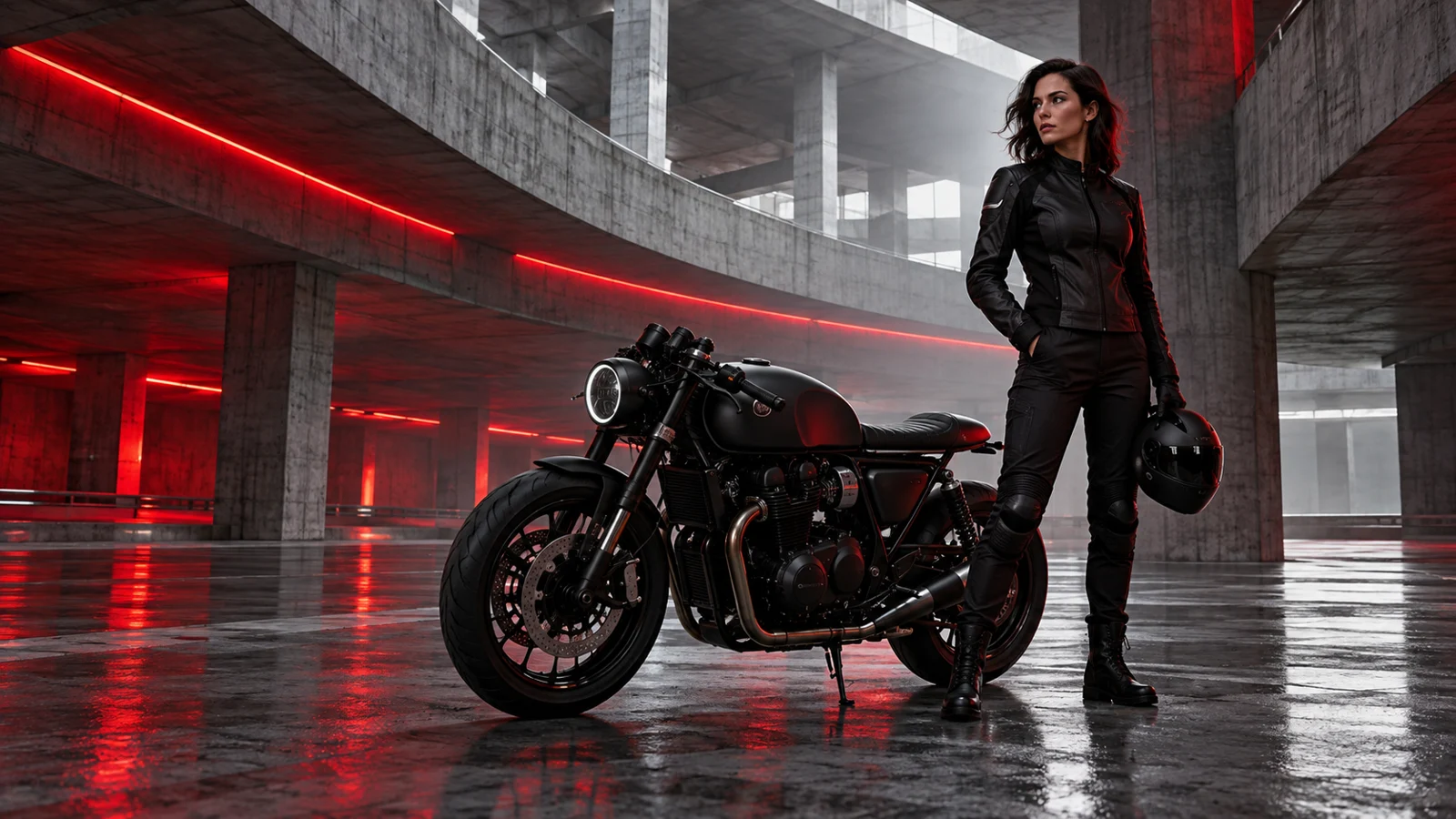
Use HackAIGC’s uncensored image-to-video AI to animate a favorite photo, bring an original character to life, or add movement to a scene. Describe what you want to happen in everyday language.
Turn a still portrait into a short video. Try a simple prompt like “Smile and look toward the camera” or “Turn your head slightly.”
Give an illustrated or AI-generated character something to do—wave, glance over a shoulder, or let their hair move in the breeze.
Make waves roll onto a beach, clouds drift across the sky, or the camera move closer to your subject.
Need a starting image?
Try our Image generator ↗ or prepare your photo with the Image editor ↗.
Follow these three steps to create your first clip and check the result.
Add a photo or artwork you want to animate in HackAIGC’s Image to Video tool. Choose an image with a clear subject and enough space for the planned movement.
Write what should move, how the camera should behave, and the pace of the shot. Check the model settings and how many credits the video will use before you submit.
Compare your clip to the source image. Check the face, hands, and background before downloading it or refining your prompt.
Tip: start with a small movement, then refine one detail at a time.
Read the video creation guide ↗A slow camera push.
A light breeze.
Keep the movement subtle.
Subject · Movement · Details
Explore photo-to-video ideas for portraits, illustrated characters, and cinematic scenes.
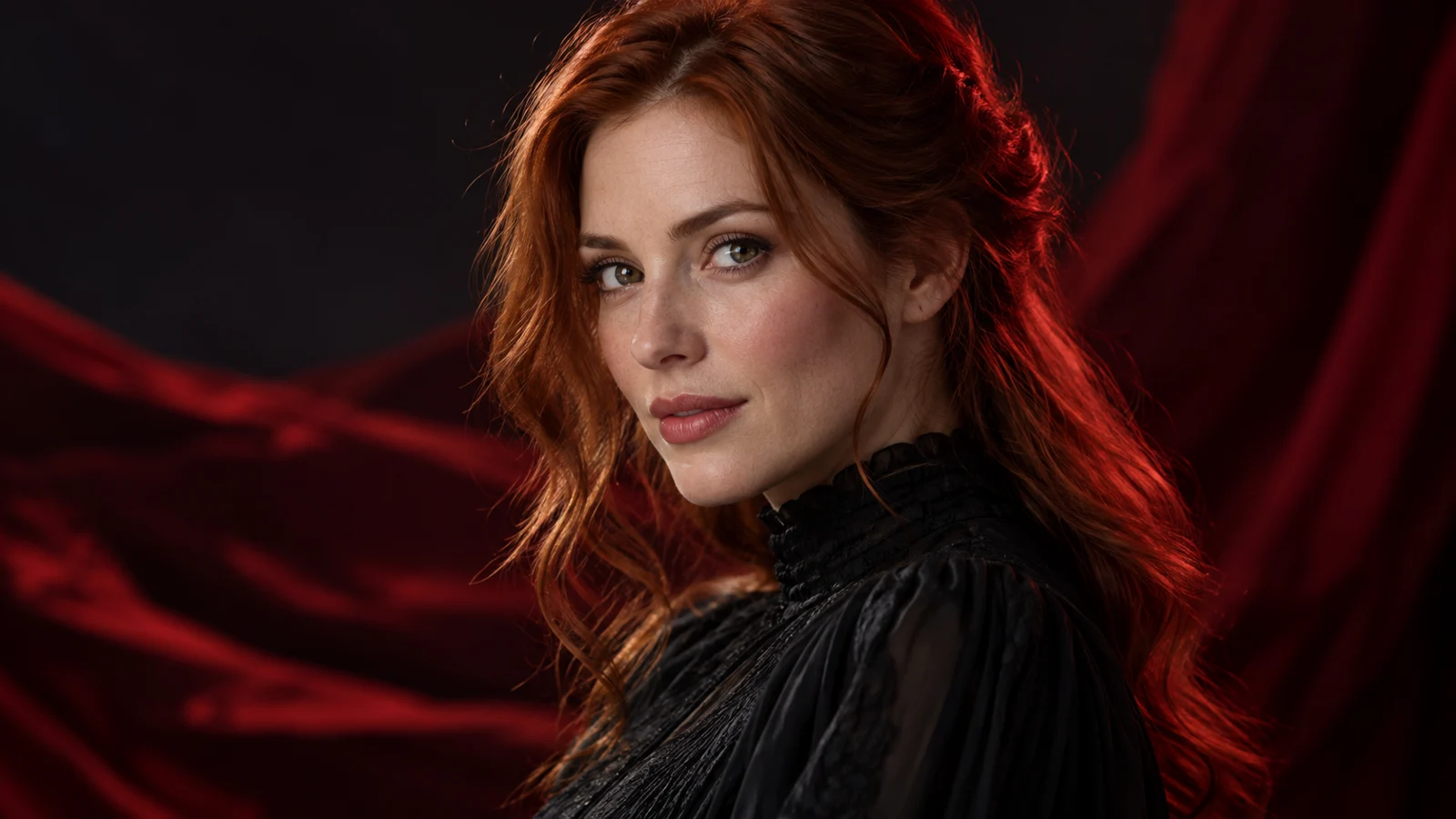 STARTING IMAGE CONCEPT
A subtle head turn or natural blink can change the mood of a portrait. A stationary camera draws attention to the expression.
The subject turns slightly toward the camera and blinks naturally. Use a locked-off shot with small, relaxed movements.
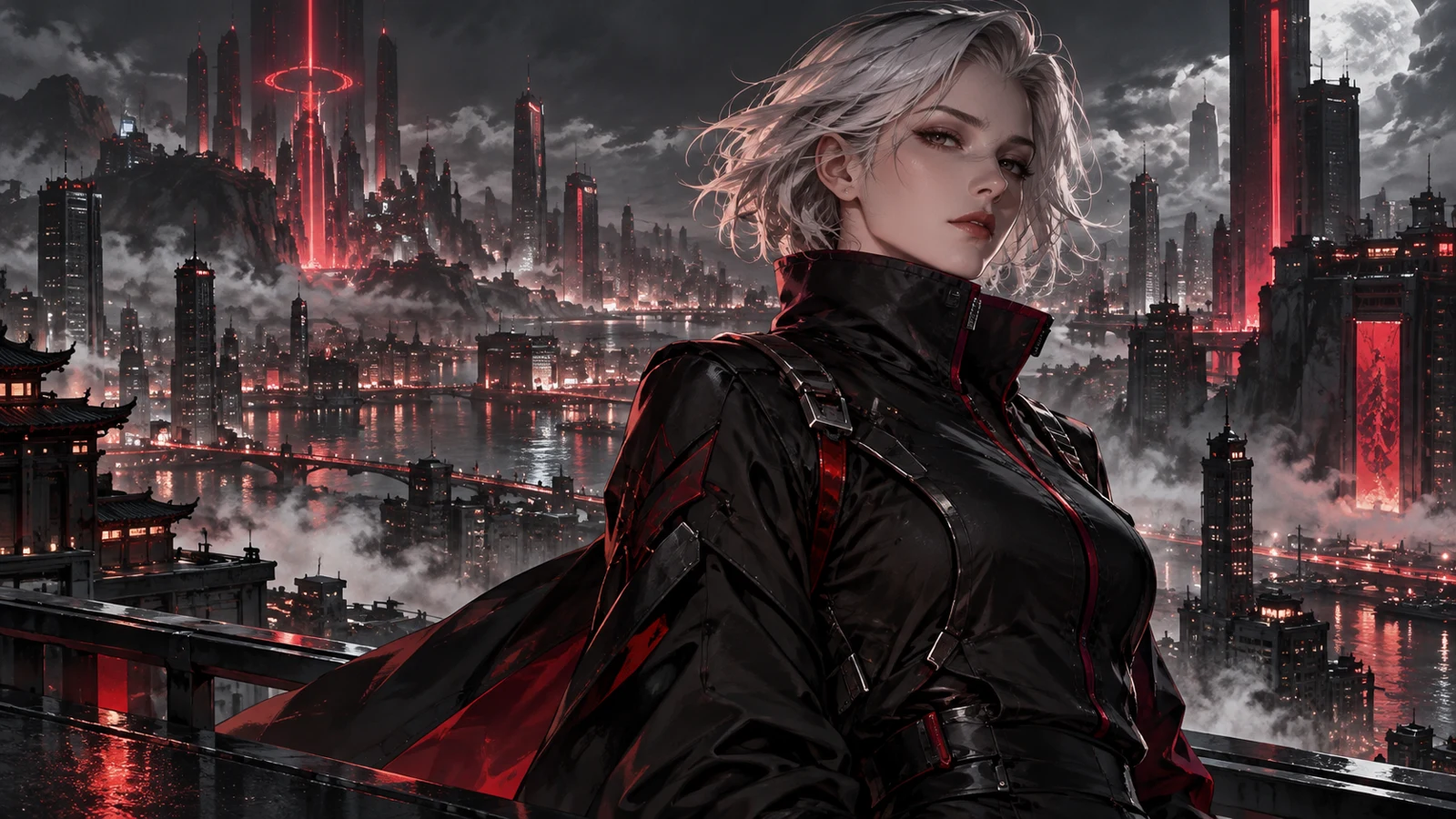 STARTING IMAGE CONCEPT
Give your original character a simple action. Describe the movement while asking to retain the source illustration’s visual style.
The illustrated character glances to the side as a breeze gently lifts the jacket. Preserve the original linework, colors, and shading.
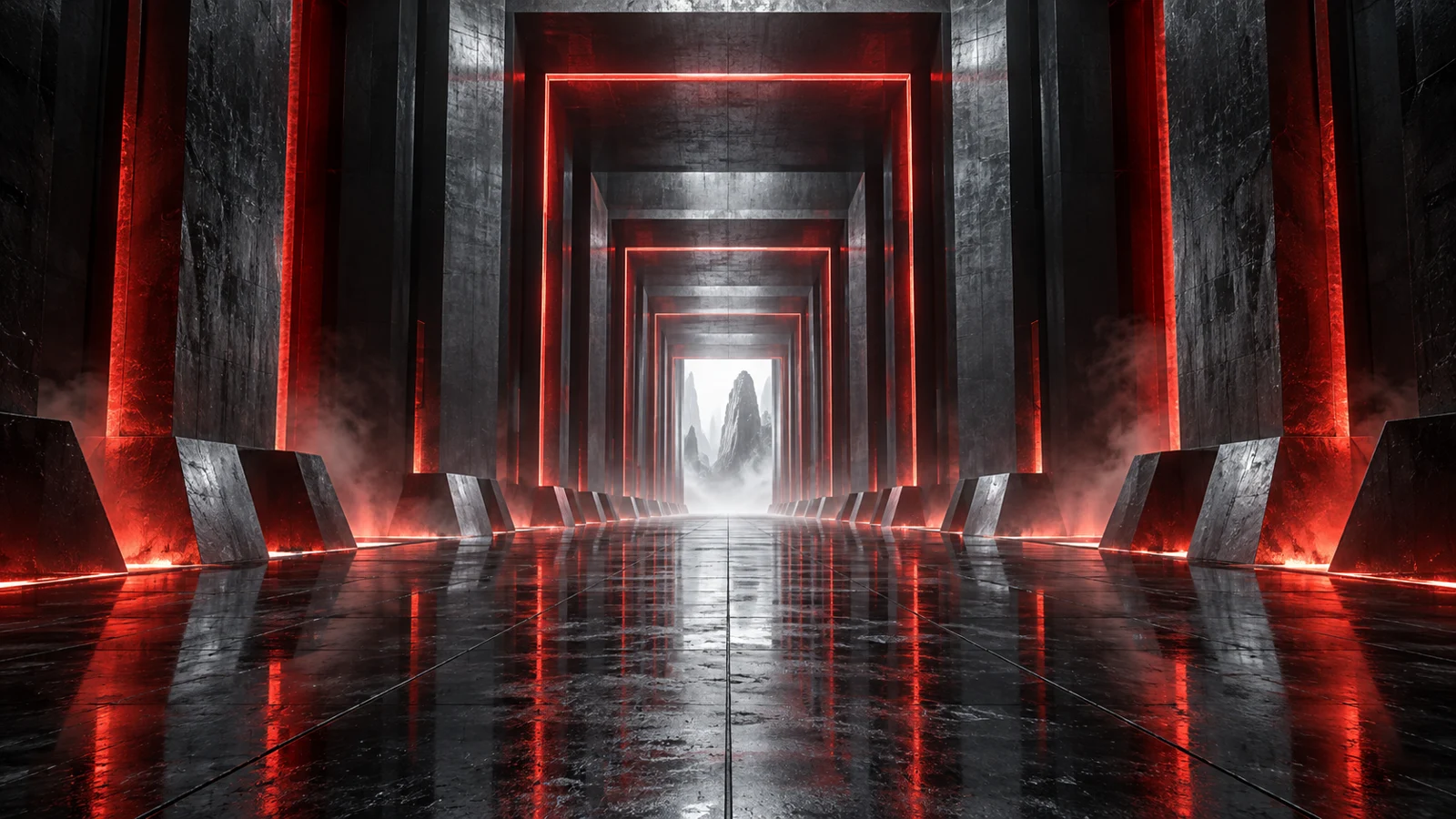 STARTING IMAGE CONCEPT
Explore depth with a slow move through a corridor. Start with one camera movement and keep the pace steady.
Dolly slowly forward through the crimson-lit corridor at a constant speed, with the distant doorway at the center of the frame.
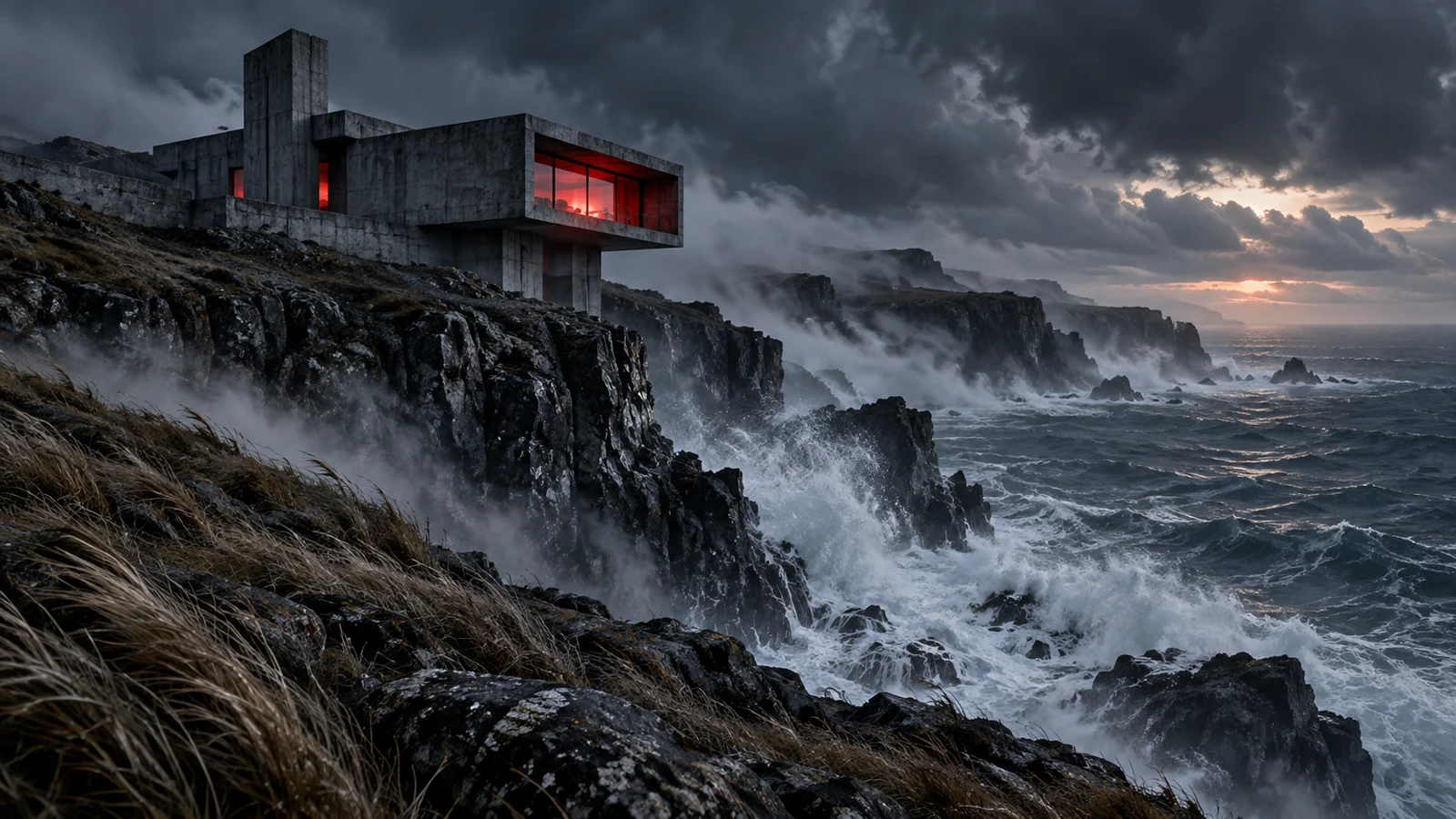 STARTING IMAGE CONCEPT
Use weather, light, or a gentle breeze to suggest motion. A fixed camera helps keep the prompt focused on the environment.
In a static wide shot, sea mist drifts past the cliffside house, ocean spray rises, and grasses sway gently. Only the natural elements move; the building remains unchanged.
Illustrative starting images and prompt ideas. These are not generated-video demonstrations; results vary by model and settings.
Already have the shot in mind—or on your camera roll? Choose the workflow that fits your starting point.
A photo or illustration
A written scene description
What moves after the first frame
The subject, setting, style, and action
You have a visual starting point
You want to build a scene from an idea
Common questions about AI image animation, credits, and your first motion prompt.
Turn portraits, illustrations, and AI-generated artwork into short video scenes. Try a natural expression, a slow camera push, or moving elements such as wind and mist. Your source image sets the scene; your prompt describes what happens next.
No. Uncensored does not mean every use is allowed. You still need the rights to the images you upload and must follow HackAIGC’s terms. Do not use images of minors or create non-consensual intimate content.
No. Image-to-video generation requires credits. But HackAIGC offers 6 free requests per day for image generation and chat. Check the pricing page for current video access and credit allowances. View pricing ↗
Yes, provided you have permission to use the photo and the person’s consent for the intended animation. HackAIGC does not store your uploaded content in its cloud storage, and your creations remain private.
Describe one main action, the camera movement, and the pace of the shot. For example: “The subject turns slightly toward the camera. Use a fixed camera and slow, natural movement.” Refine one detail at a time if the result differs from what you intended.
Stay updated with the latest news and insights about NSFW AI
Have a scene in mind? Give it a little movement and see what HackAIGC produces.