AI image editing for adults

NSFW AI
Image Editor

Upload a photo or illustration and tell HackAIGC what to change. Remove unwanted objects, try a new style, adjust the lighting, or refine character details with the NSFW AI image editor.

For adults 18+ · Use images you own or have permission to edit
EDITING POSSIBILITIESIllustrative preview
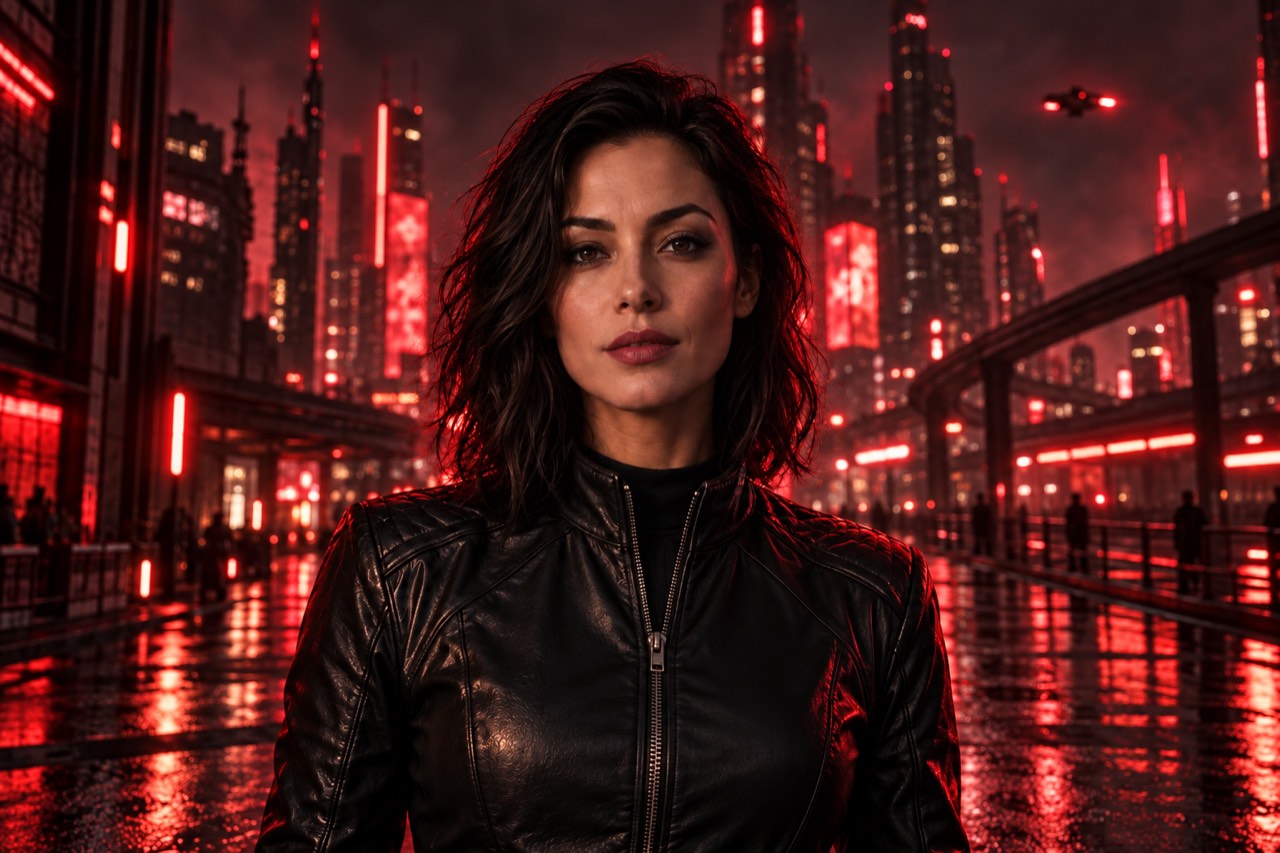
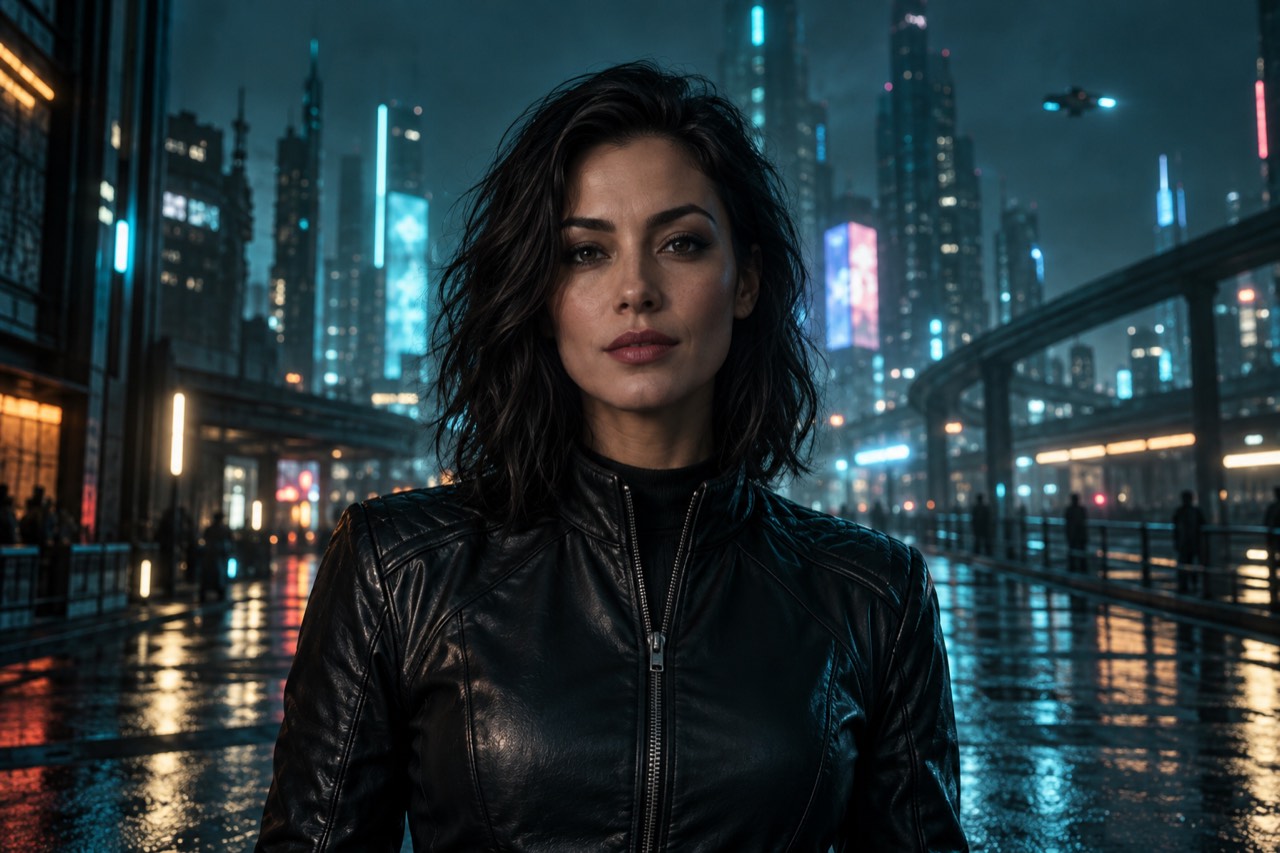
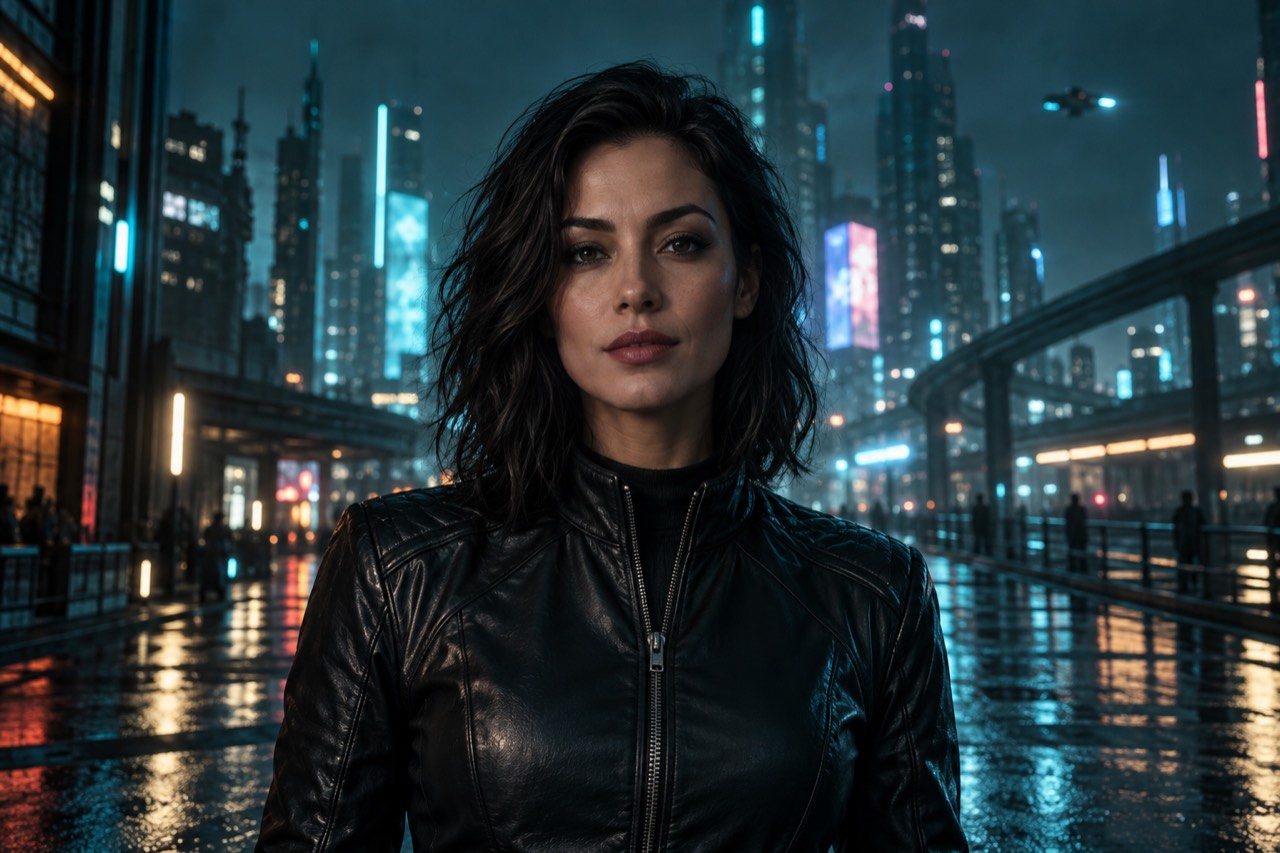
Adult fictional character in a black leather jacket under cool teal city lights
The same fictional character with crimson neon lighting
OriginalEdited

“Add crimson neon lighting. Keep the character, outfit, and composition the same.”

01 Start from your image02 Describe your changes03 Review a new direction
Start with the image you have

What is an NSFW
AI image editor?

An NSFW AI image editor uses an uploaded image and a text prompt to create an edited version. It supports adult-oriented photos and artwork alongside everyday editing tasks, such as changing a background or turning a photo into an illustration.

HackAIGC’s NSFW AI photo editor uses the Image to Image workflow in the chat interface. Upload your source and describe the change with a text prompt. Include details you want to keep, such as the framing, outfit, or background.

Why HackAIGC

Edit photos with AI
using text instructions

Use Image to Image to describe a specific edit, test another style, or refine the lighting in your source image.

01

Describe the edit.
Specify what stays.

Name the object or area to change, then specify what to preserve. For a background edit, mention the subject, outfit, and framing.

AN EXAMPLE INSTRUCTION
Remove the chair. Keep the room unchanged.↗
A clear edit starts with a clear prompt.
02

Try a new style.
Keep a reference.

Ask for a hand-drawn or photographic look. Compare the result with your original to check faces, outlines, and composition.

EXPLORE A DIRECTION
Hand-drawnPhotographicAnimeSoft lighting
Choose the look that fits your idea.
From source to next version

How to edit photos
with AI in 3 steps

In HackAIGC, choose Image to Image, upload your source, and describe the change. Use the steps below to make your first edit.

Preview your starting image
No image selected
01

Choose Image to Image and upload

Open HackAIGC and select Image to Image in the chat interface. Upload a clear photo or illustration with the details you want to edit visible. See the image editing guide for the workflow.

02

Tell the editor what to change

Describe the change and any details you want to keep. For example: “Replace the background with a forest. Keep the subject and framing the same.”

03

Review the result and refine it

Compare the result with your original. For a background replacement, check hair edges and the direction of shadows. If an unrelated detail changed, name it in your next instruction.

Explore the possibilities

AI photo editing for
backgrounds, styles, and lighting

Use the AI photo editor for object removal, background replacement, style changes, or character details. Start with one task and use a text prompt to describe the change and what should stay the same.

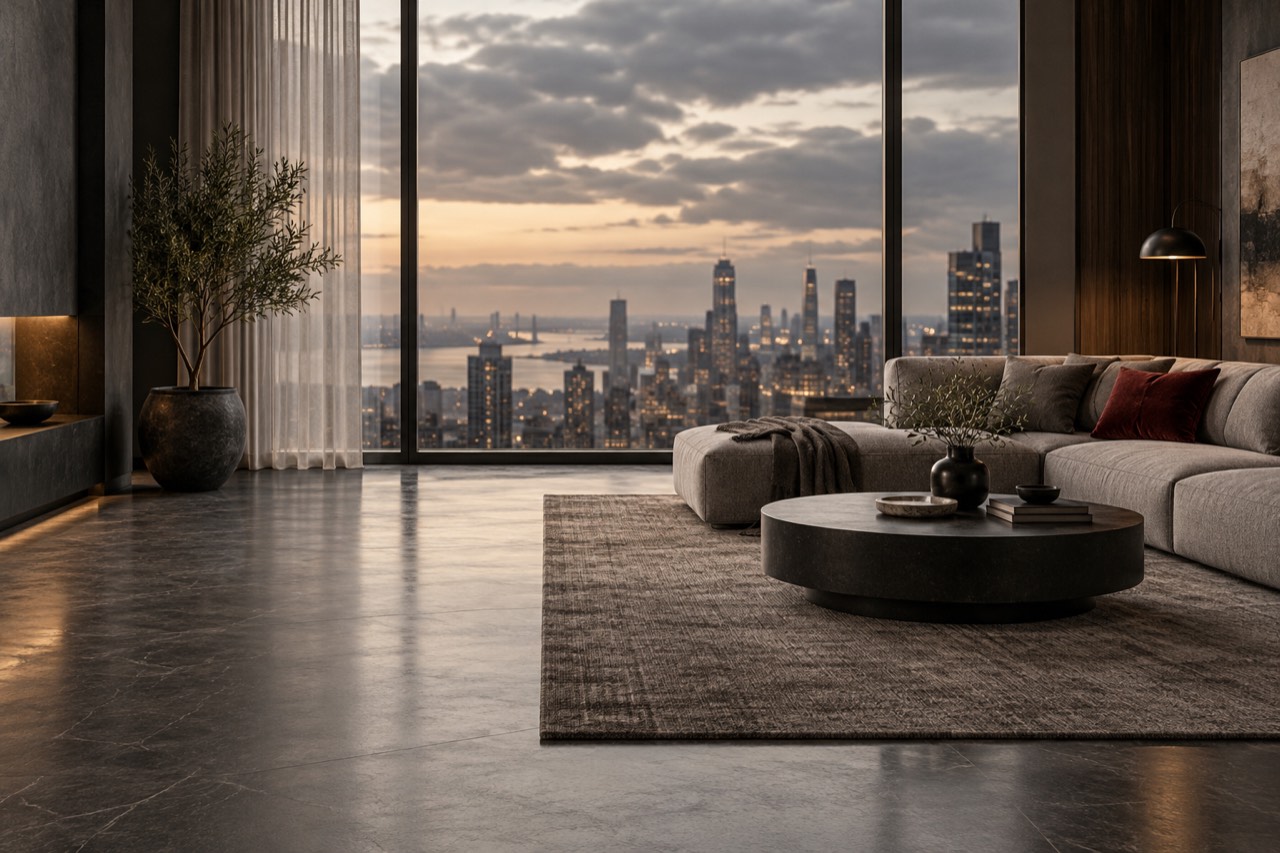
A clean contemporary room with open floor space
Concept preview
⌘01 / Objects & backgrounds

Remove objects or change a background

Remove objects from photos with AI by naming the item and its location. To change a background, describe the new setting and ask to preserve the subject. Check edges and shadows afterward.

TRY THIS PROMPT

“Remove the chair in the background and keep the rest of the room unchanged.”

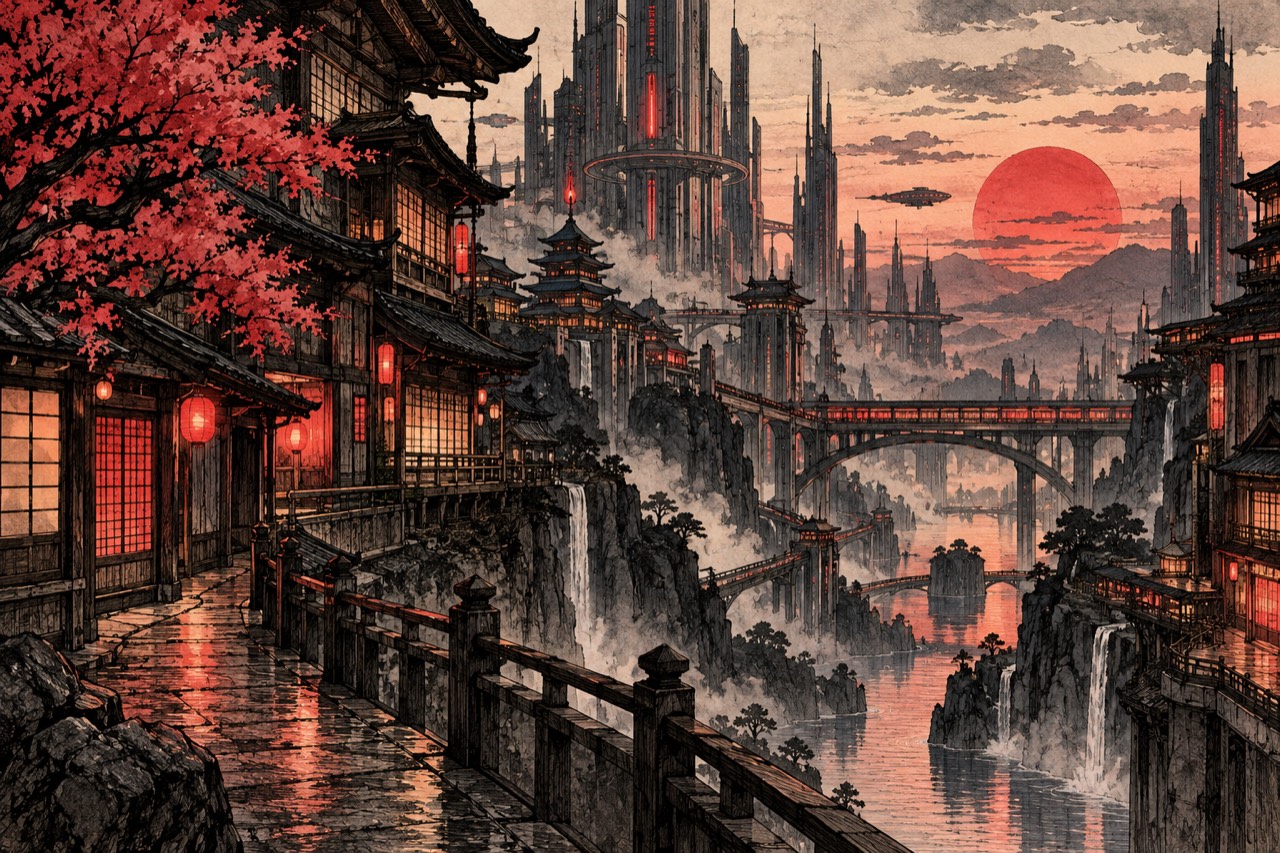
Hand-drawn futuristic city illustration
Concept preview
✧02 / Visual style

Turn a photo into an illustration

Specify a hand-drawn, anime, or cartoon style, then name the features to retain. For a cityscape, check that the main buildings and perspective still match your source.

TRY THIS PROMPT

“Turn this cityscape into a hand-drawn illustration. Keep the same composition.”

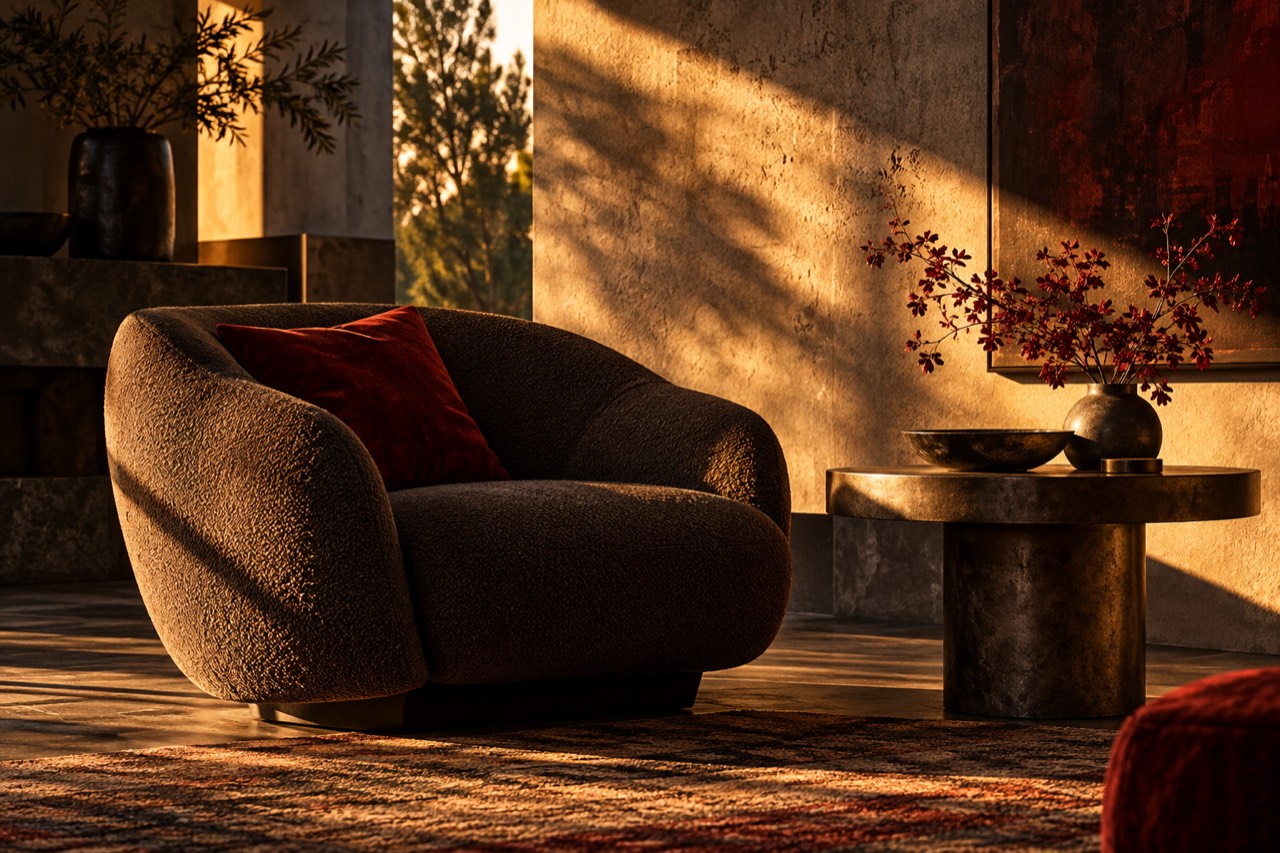
Warm evening light and shadows in a textured interior
Concept preview
☼03 / Lighting & texture

Adjust lighting, texture, and mood

Specify the light source, direction, and mood: warm window light, soft side lighting, or a cooler evening tone. Check skin tones, shadow direction, and material texture in the result.

TRY THIS PROMPT

“Add warm evening light while keeping the colors and framing consistent.”

Adult fictional character in a black leather jacket
Concept preview
◇04 / Character details

Refine character details and poses

Request one pose or shading change at a time. Name the facial features, outfit, and background you want to keep, then check hands, proportions, and character consistency.

TRY THIS PROMPT

“Give the character a more relaxed pose. Keep the outfit and background unchanged.”

Choose your starting point

Image-to-image AI or text-to-image?

Use image-to-image AI when you have a source photo or illustration to edit. Start with text-to-image when you want to create a new image from a description.

IMAGE EDITING

I have an image to edit.

Upload your photo or illustration and describe what you want to change.

YOUR IMAGE+EDIT INSTRUCTIONS
✓Refine details or explore a different style
Edit an image ↗Choose Image to Image in HackAIGC.
A few things to know

FAQ

Before you start
your next edit.

What can I do with HackAIGC’s NSFW AI image editor?

You can request object removal or replacement, style changes, lighting and texture adjustments, and character refinements. Enter the change as a text instruction in Image to Image.

Can I upload my own image?

Yes. Choose Image to Image in HackAIGC and upload an image you own or have permission to edit. Check the upload panel for supported formats and size limits.

How is an AI image editor different from an image generator?

Image editing starts with an existing image and an intended change. HackAIGC calls this workflow Image to Image. Text-to-image generation starts with a written description.

Can I try the NSFW AI image editor for free?

HackAIGC offers a free tier. Image-editing access and credit allowances depend on your plan, so check the current pricing before starting.

Will the editor preserve every detail of my original?

Specify what should remain unchanged, keep the original framing when needed, and split complex edits into stages. Compare each result with your source; unchanged details are not guaranteed.

Is HackAIGC an uncensored AI image editor?

HackAIGC describes its Image to Image feature as uncensored image editing with support for NSFW photos and illustrations. If you are looking for an AI image editor with no restrictions, review the service’s terms for its permitted uses. Results depend on your source image and instructions.

What should I check before uploading a private image?

Review HackAIGC’s privacy policy for information about processing, retention, and deletion. Upload only images you own or are authorized to edit. Any person depicted in adult material must be an adult and consent to the intended use.

Keep creating

Have an image in mind?
Start editing.

Open HackAIGC, choose Image to Image, and describe the change you want to make.

Start editing in HackAIGC ↗