
How to Use HackAIGC's Uncensored Image Editing Feature
HackAIGC has launched its new Image to Image AI feature, enabling users to create, edit, and transform images freely. Unlike other platforms, HackAIGC supports uncensored and NSFW content, giving you full creative freedom to edit anything from everyday photos to adult illustrations using simple instructions.
How to Use HackAIGC’s Image to Image AI
Using AI Image Edit with HackAIGC is simple:
Click the Image to Image button at the bottom of the chat interface.
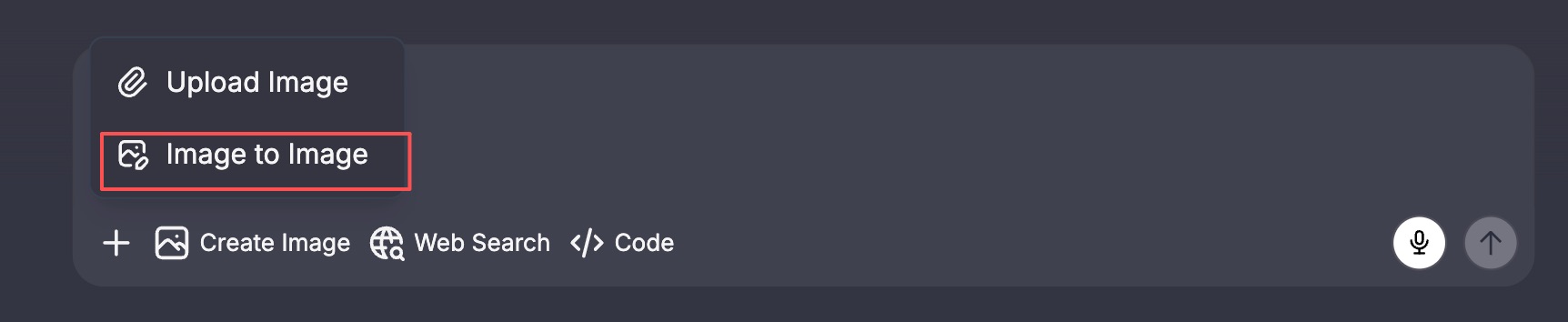
Upload the image you want to edit.
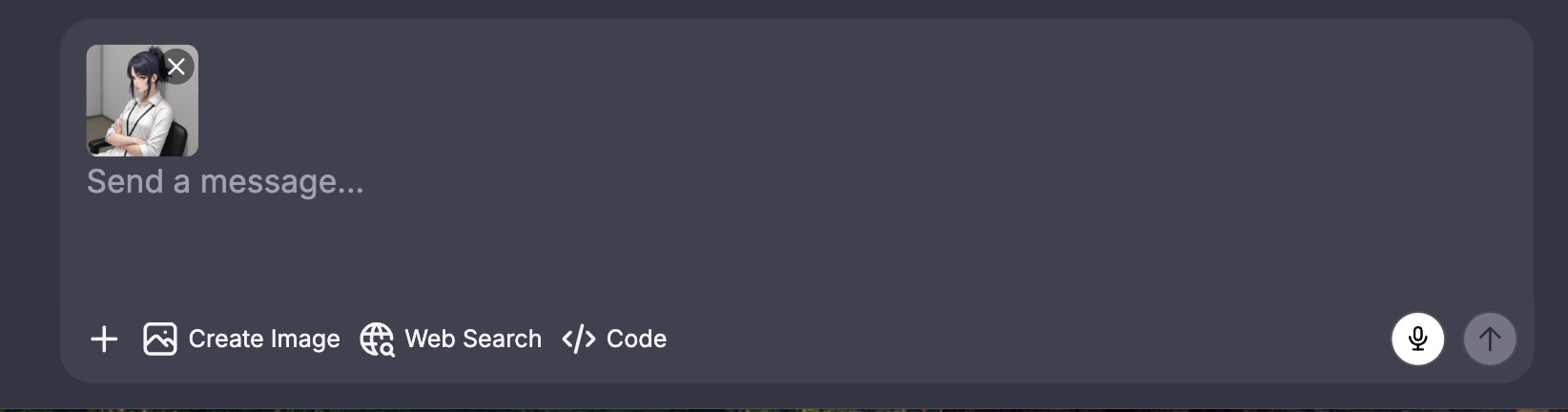
Enter your editing instructions.
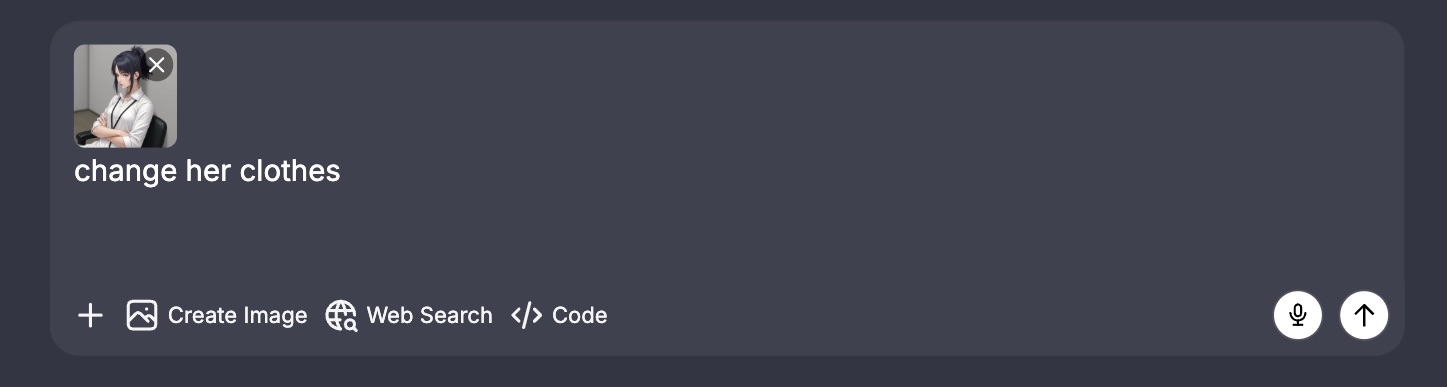
HackAIGC will generate a new image according to your instructions, without any censorship.
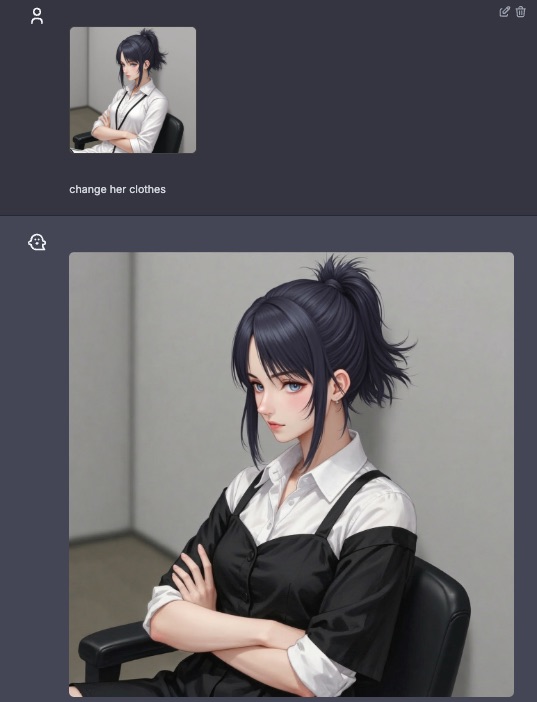
Whether you are performing minor adjustments or full NSFW transformations, HackAIGC makes AI image editing effortless and precise.
Supported AI Image Editing Types
1. Object Removal, Replacement, or Completion
Remove unwanted elements or replace them with new content.
Examples:
Remove the character behind her
Replace the background with a hotel room
Fix anatomy and make the pose natural
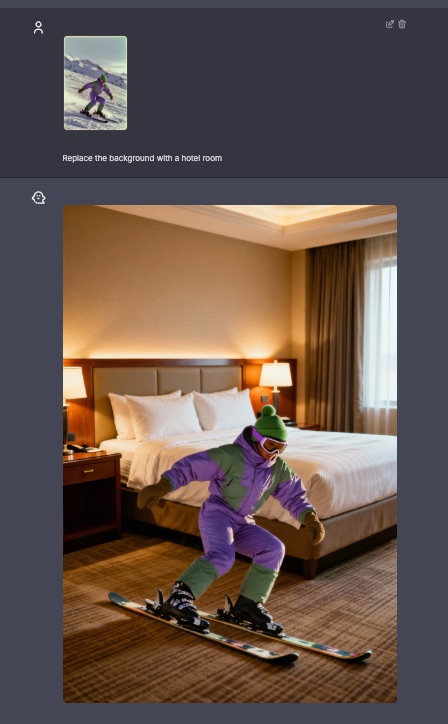
2. Style Transformation (NSFW Compatible)
Transform your image into various artistic styles:
Anime / hand-drawn style
Realistic photography
Adult illustration style
High-saturation 2D or cartoon style
Examples:
Convert this to a detailed anime NSFW style
Make this look like realistic photography
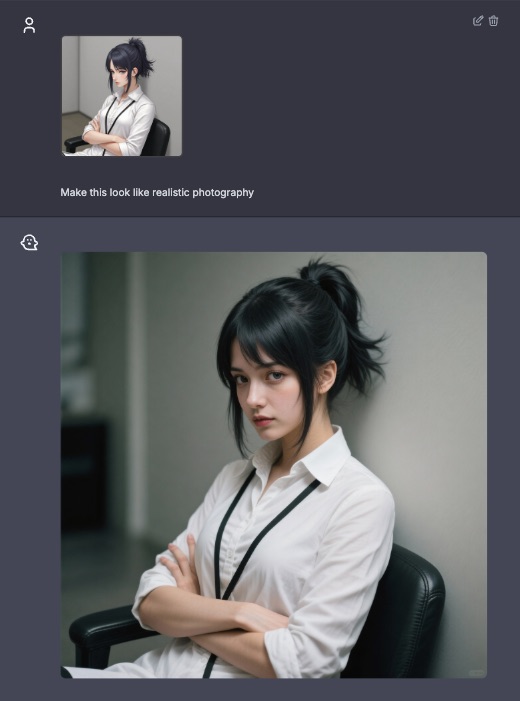
3. Lighting, Texture, and Atmosphere Enhancement
Enhance the lighting, textures, and atmosphere, even in sensitive areas.
Examples:
Add soft warm lighting
Increase realism of the skin texture
Make the environment darker and more dramatic
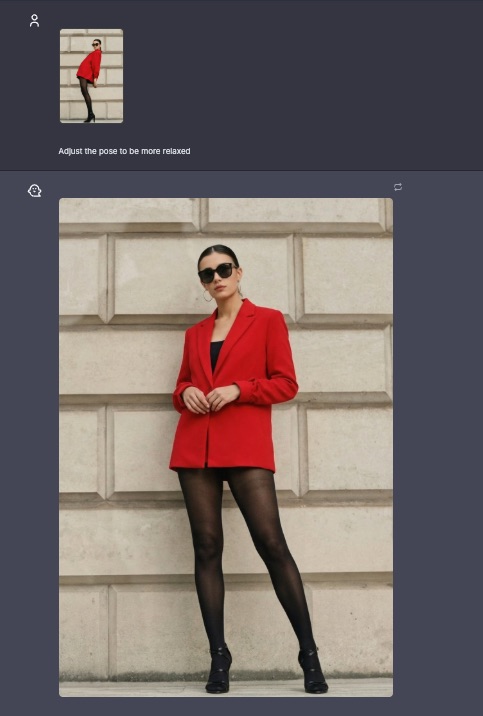
4. Body and Character Detail Adjustments
Fine-tune characters and poses for a natural and polished look.
Examples:
Adjust the pose to be more relaxed
Make body proportions more natural
Enhance shading on the skin
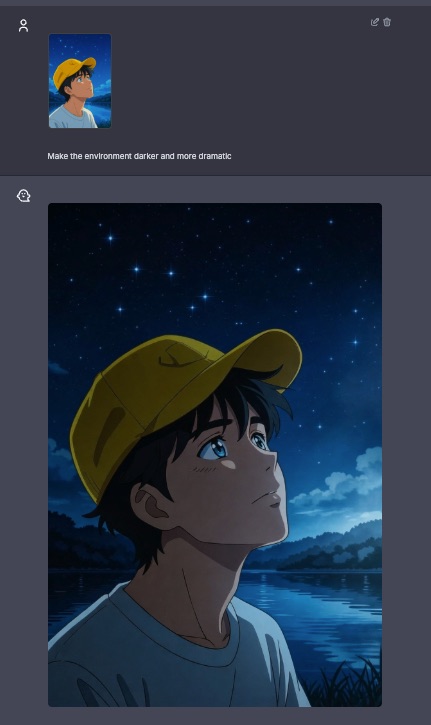
Tips for Better Uncensored AI Image Edits
Provide precise instructions for stable and accurate edits.
Clearly indicate which parts of the image should remain unchanged.
For complex NSFW scenes, generate the image step by step.
To maintain composition, add: “keep the same framing”.
Uncensored Scenarios Perfect for HackAIGC
HackAIGC allows AI image editing for content that is often rejected or censored elsewhere:
Partial edits for adult artwork
NSFW transformations or reversions of fan characters
Body feature modifications, enhancements, and style rework
Sensitive area inpainting/outpainting
Unrestricted pose, clothing, or lighting changes
High-freedom photo or illustration remixes
Why HackAIGC is the Best Choice for Uncensored Image Editing
No censorship: no blurring, blocking, or restrictions
Supports NSFW portraits and sensitive content editing
Stable inpainting/outpainting for detailed edits
High flexibility with Image to Image AI instructions
Preserves original image details without damage
Start Your Free AI Image Editing Today
Upload your images, enter your creative instructions, and let HackAIGC deliver high-quality edits instantly.
Experience it now:
https://www.hackaigc.com/
We also support image analysis and AI-to-text generation. Detailed tutorial:
https://www.hackaigc.com/blog/hackaigc-launches-unrestricted-image-to-text