
Best Uncensored AI Video Generators in 2026
The development of AI video generation technologies has been swift, providing users with efficient tools that enable them to create videos out of concepts within minutes. The most quickly developing type of AI video generation technology is uncensored video AI, which emphasizes flexibility and creativity rather than conventional limitations.
In this article, you will find the best uncensored AI video generators, along with detailed comparisons and recommendations for selecting the optimal option.
What Is an Uncensored AI Video Generator?
An uncensored AI video generator is a platform that allows users to create videos from text prompts, images, or models with fewer content restrictions than mainstream tools.
Unlike heavily moderated platforms, these tools emphasize:
Creative freedom
Prompt flexibility
Fewer filtering limitations
Broader stylistic control
They are often used for:
Experimental video creation
Artistic storytelling
Character animation
Advanced AI workflows
How Uncensored AI Video Tools Work
Most tools in this category rely on a combination of:
Text-to-Video Models
Transform written prompts into video sequences.
Diffusion-Based Generation
Create frames progressively for higher realism.
Motion AI Systems
Add natural movement and transitions.
Multi-Modal AI
Combine text, image, and video inputs into one workflow.
Top Uncensored AI Video Generators (2026)
Below is a curated list of the best uncensored AI video tools, based on flexibility, output quality, and creator control.
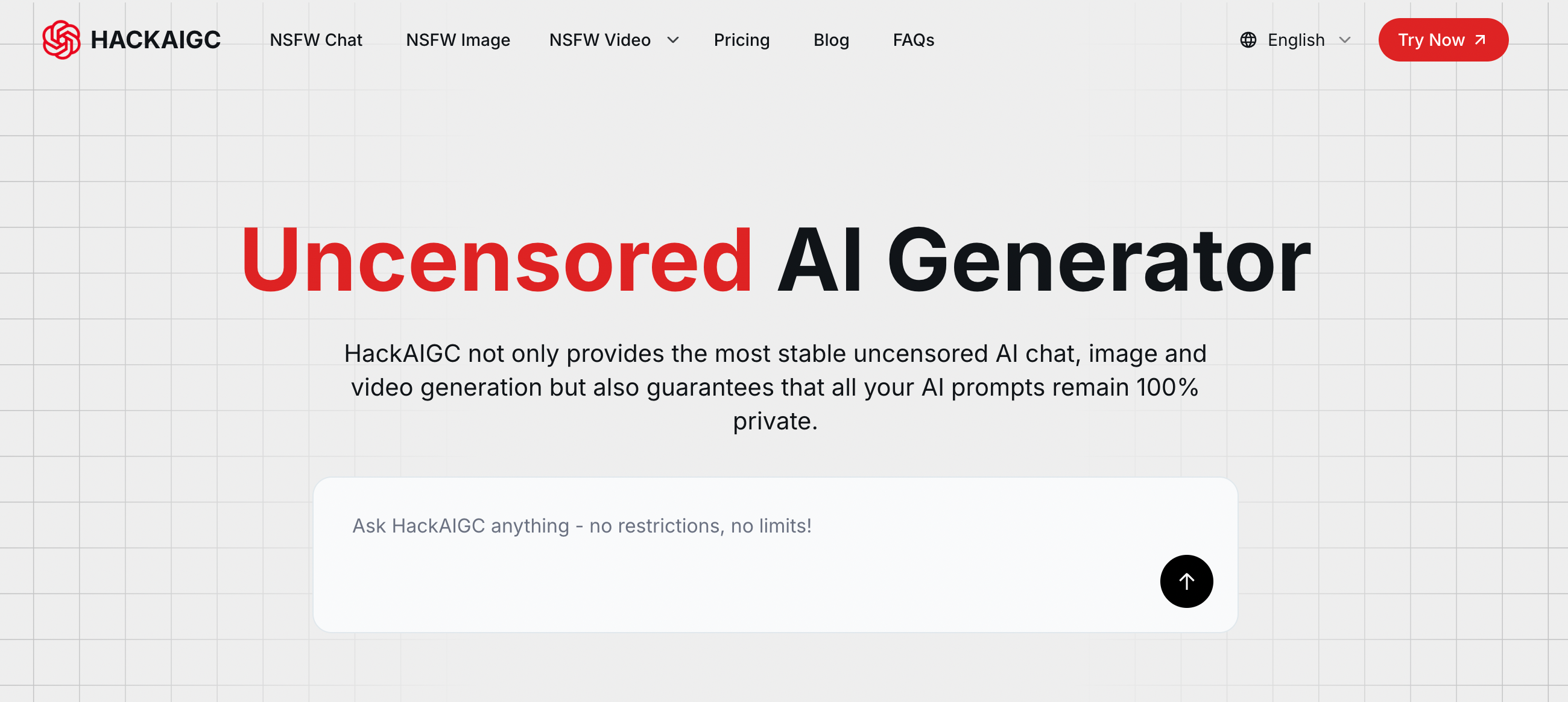
1. HackAIGC — Best for Flexible Prompt-Based Video Creation
HackAIGC stands out as a multi-modal AI platform designed for creators who want fewer restrictions and faster workflows.
Key Features:
Text-to-video generation from prompts
Image-to-video animation
Fast rendering engine
Multi-modal AI (text, image, video)
Flexible output with fewer limitations
Pros:
Beginner-friendly
Fast generation speed
Strong prompt control
Combines multiple AI tools in one platform
Cons:
Still evolving feature set
Output quality depends heavily on prompt quality
Best For:
Creators looking for a balance between ease of use and creative freedom

2. Runway — Best for High-Quality AI Video Editing
Runway is one of the most advanced AI video platforms, widely used for professional workflows.
Key Features:
Advanced video editing tools
AI video generation (Gen models)
Motion tracking and effects
Pros:
High-quality output
Professional-grade tools
Strong community support
Cons:
More restrictions compared to uncensored-focused tools
Higher learning curve
Best For:
Creators prioritizing quality over flexibility
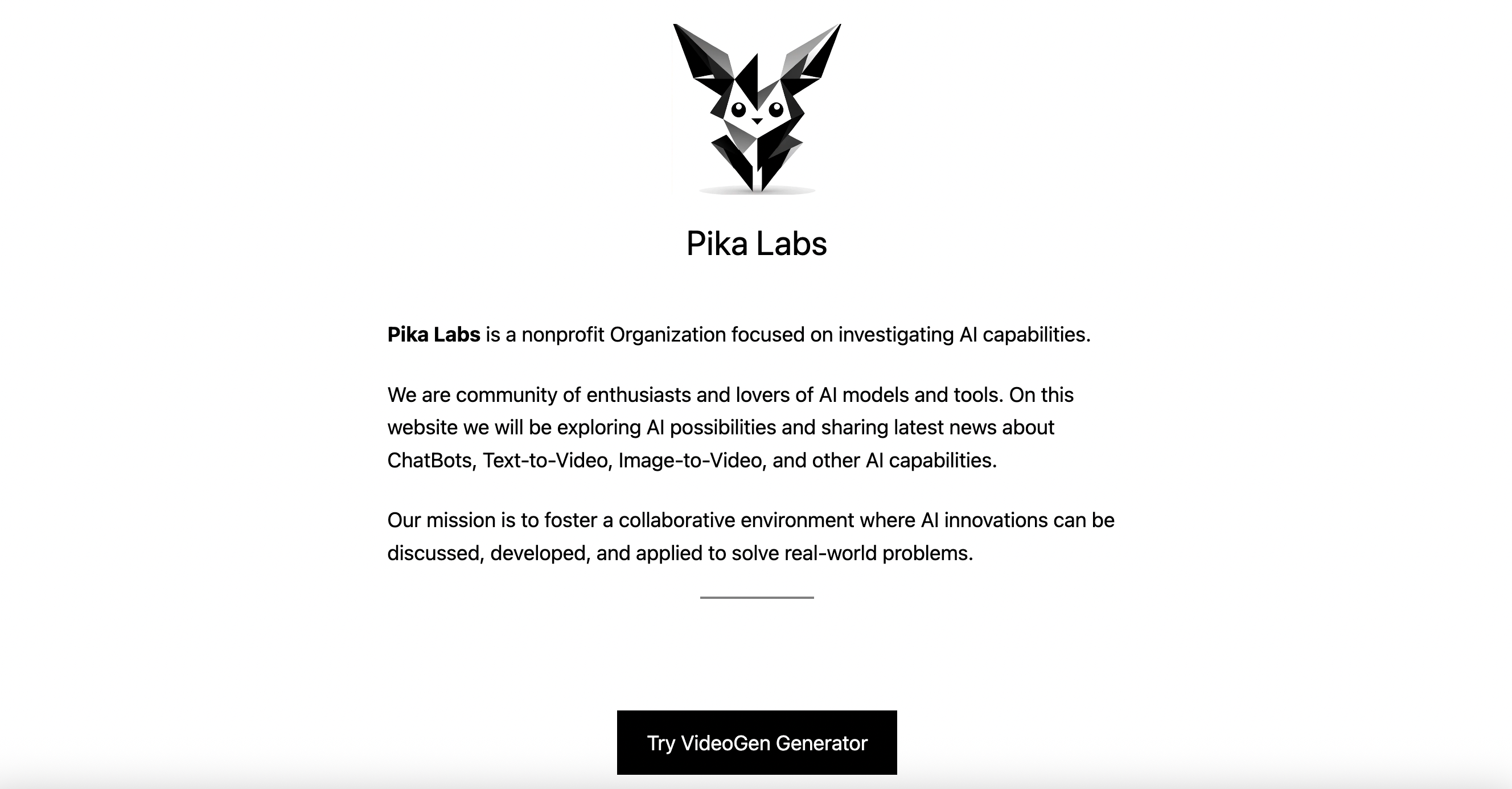
3. Pika Labs — Best for Fast Text-to-Video Generation
Pika Labs focuses on speed and simplicity, making it popular among beginners.
Key Features:
Prompt-based video generation
Discord-based workflow
Fast rendering
Pros:
Easy to use
Quick results
Active community
Cons:
Limited customization
Less control over fine details
Best For:
Quick experimentation and rapid prototyping
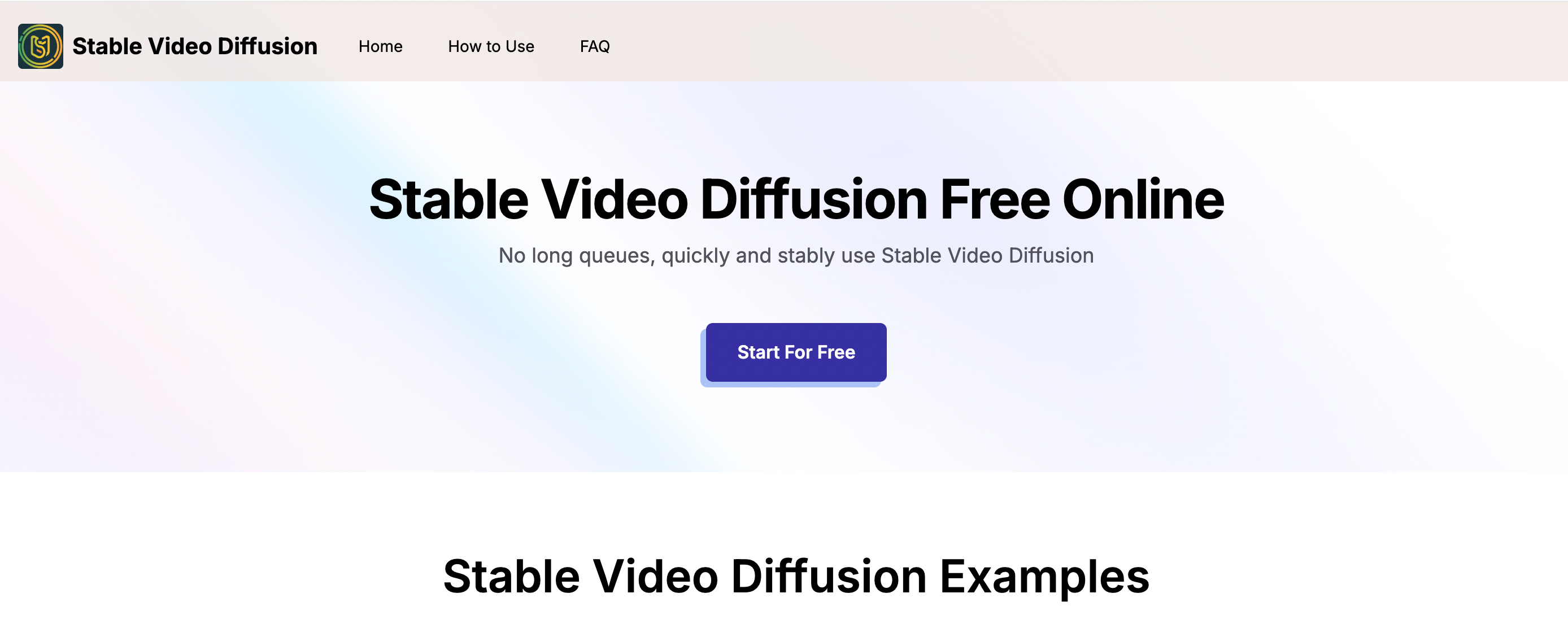
4. Stable Video Diffusion — Best for Open-Source Flexibility
Stable Video Diffusion offers an open approach to AI video generation.
Key Features:
Open-source model
Customizable pipelines
Integration with other AI tools
Pros:
Highly flexible
No platform-level restrictions
Developer-friendly
Cons:
Requires technical knowledge
Setup complexity
Best For:
Advanced users and developers
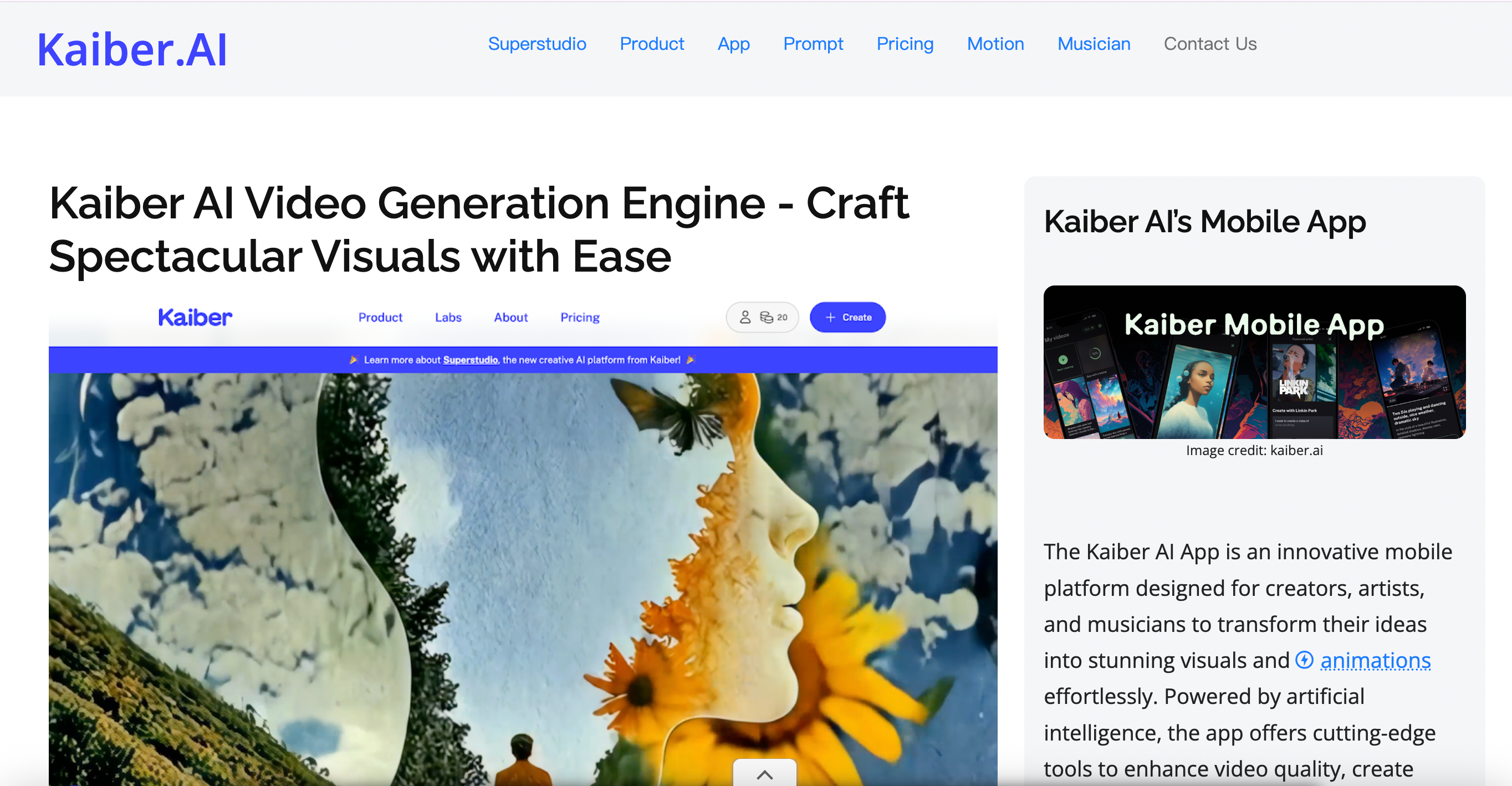
5. Kaiber — Best for Artistic Video Styles
Kaiber focuses on stylized video generation, often used for music videos and visual art.
Key Features:
Style-driven video generation
Image-to-video workflows
Creative visual effects
Pros:
Strong artistic output
Easy UI
Good for storytelling
Cons:
Less control over realism
Limited advanced customization
Best For:
Artists and visual storytellers
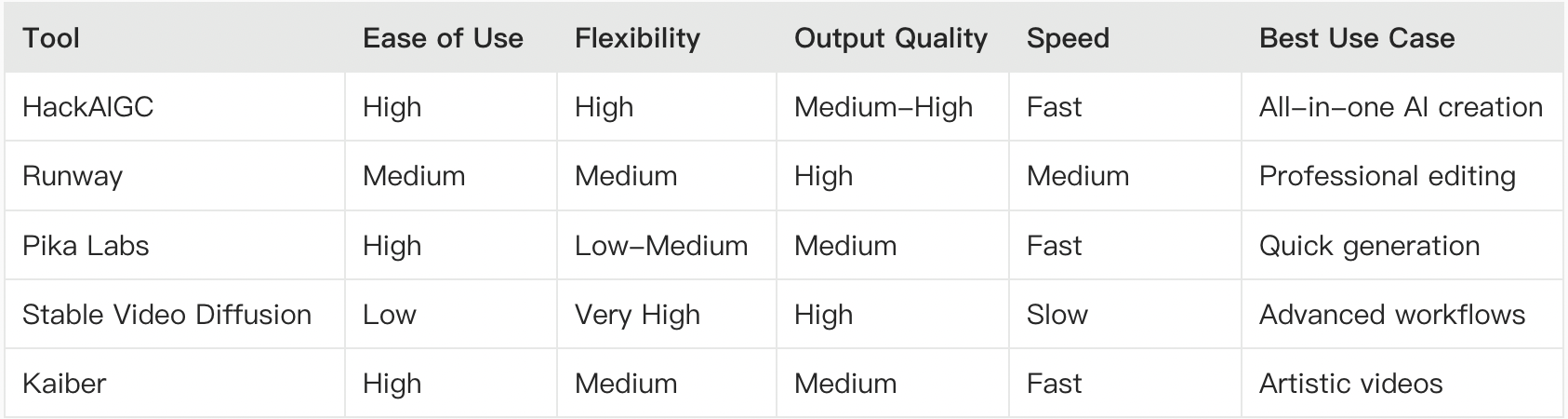
Comparison Table: Uncensored AI Video Tools
How to Choose the Right Tool
Selecting the right uncensored AI video generator depends on your goals:
Choose HackAIGC if:
You want an all-in-one platform
You prefer simple prompts
You need faster results
Choose Runway if:
You need professional-level output
You’re working on commercial projects
Choose Stable Video Diffusion if:
You want full control
You’re comfortable with technical setups
Key Trends in Uncensored AI Video (2026)
The space is evolving quickly, with several important trends:
1. Real-Time Video Generation
Faster rendering speeds are making near-instant video creation possible.
2. Better Motion Consistency
AI models are improving frame coherence and realism.
3. Multi-Modal Workflows
Combining text, images, and video into unified pipelines.
4. Increased Creator Control
More tools are shifting toward fewer restrictions and greater flexibility.
Challenges to Consider
Even the best tools still face limitations:
Inconsistent frame quality
Prompt sensitivity
Hardware or compute requirements
Platform policy differences
Understanding these helps set realistic expectations.
Conclusion
Uncensored AI video generators are opening new possibilities for creators by removing traditional limitations and simplifying video production.
Whether you're experimenting with AI or building a scalable content workflow, tools like HackAIGC, Runway, and Stable Video Diffusion each offer unique advantages.
If you’re looking for a balanced, easy-to-use solution with strong flexibility, HackAIGC is one of the best starting points in 2026.
Start exploring these tools today and unlock a new level of AI-powered video creation.